EV & SolarFree in the app
BMS Monitor
Your phone connects straight to the battery’s Bluetooth BMS, no ESP or wiring needed. See every battery value in the app.
Free in the FixBox One Click app, nothing to buy.
Photos & video
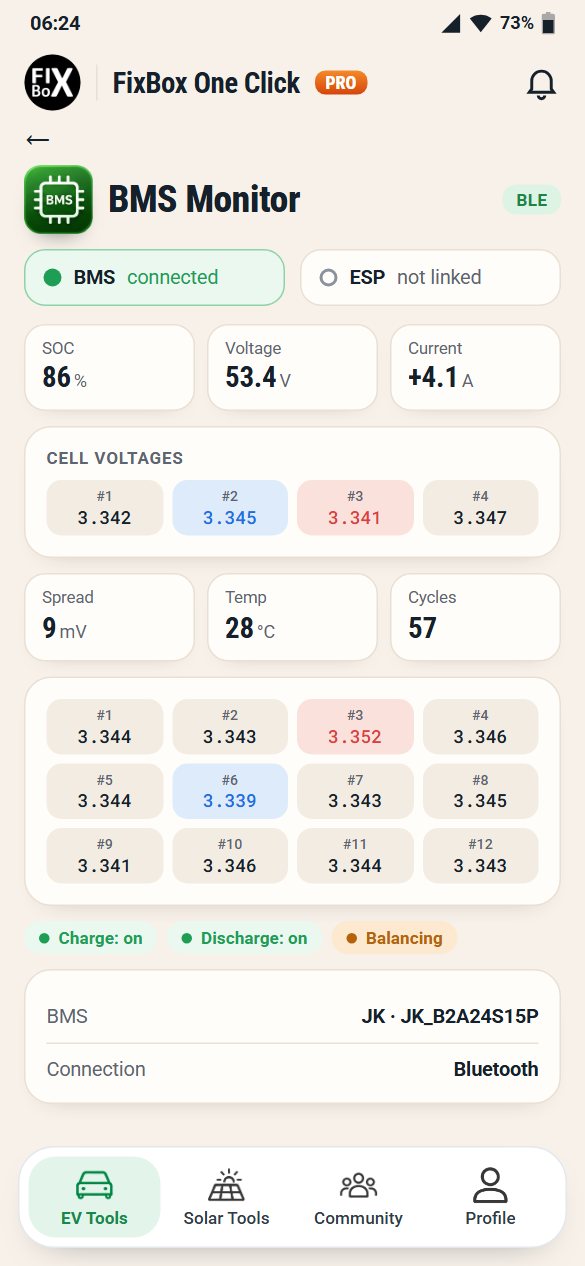
Illustration of the FixBox One Click app screen with sample data. Tap the image to enlarge.
What it does
- Supports JK, JBD, Daly, ANT, TDT and Seplos BMSs.
- Every cell voltage, spread and balancing state.
- Current, power, temperatures, charge level, cycle count and BMS alarms.
Devices & what you need
- Works with
- Batteries with a Bluetooth BMS (EVs, storage batteries)
- Connection
- Phone Bluetooth
- What you need
- An Android phone with the FixBox One Click app.
Other tools
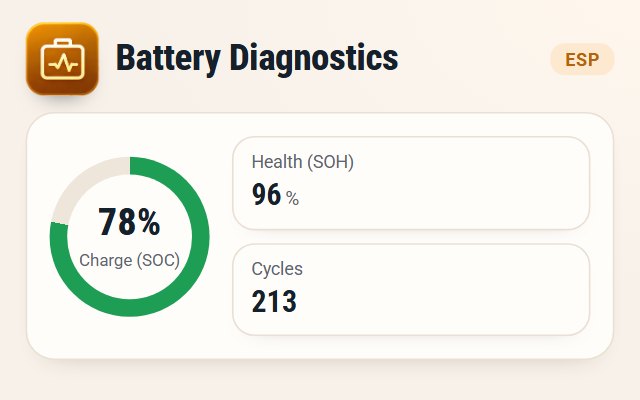
- Battery DiagnosticsRead pack, cell and BMS fault data over CAN.
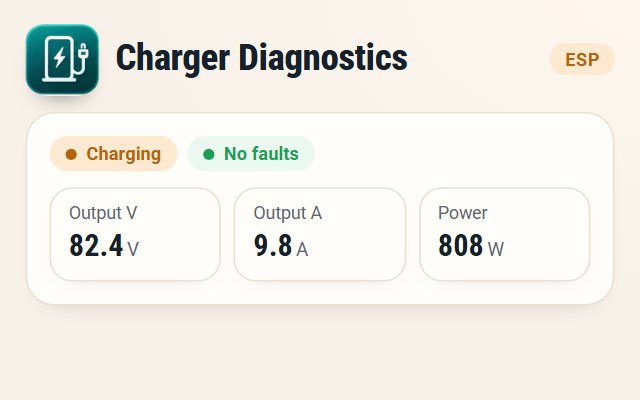
- Charger DiagnosticsRead charger status, voltage, current and faults over CAN.
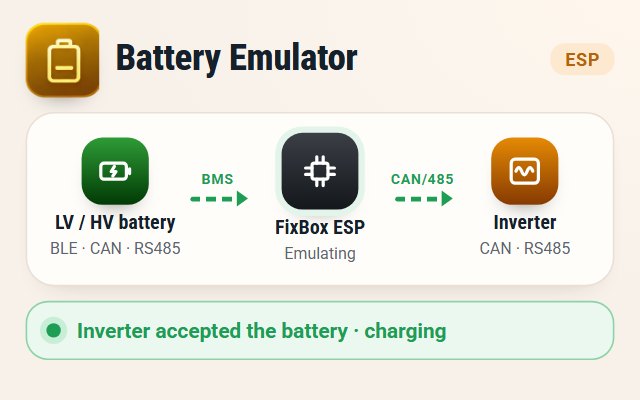
- Battery EmulatorEmulate a battery so the inverter accepts other brands.
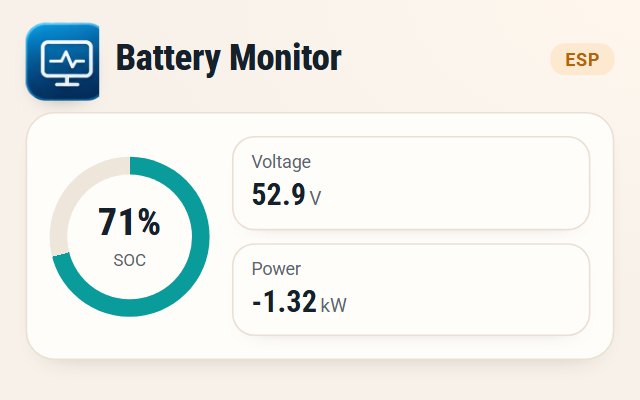
- Battery MonitorMonitor the storage battery.
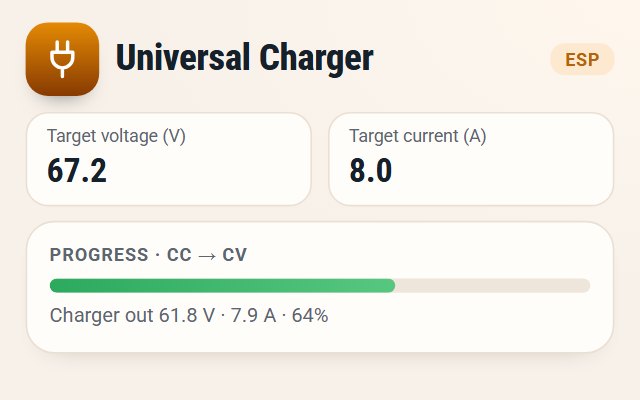
- Universal ChargerLets a basic charger charge any battery pack.
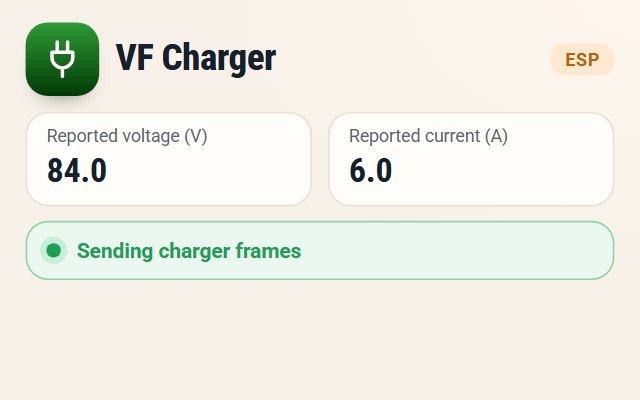
- VF ChargerControl VinFast charging.
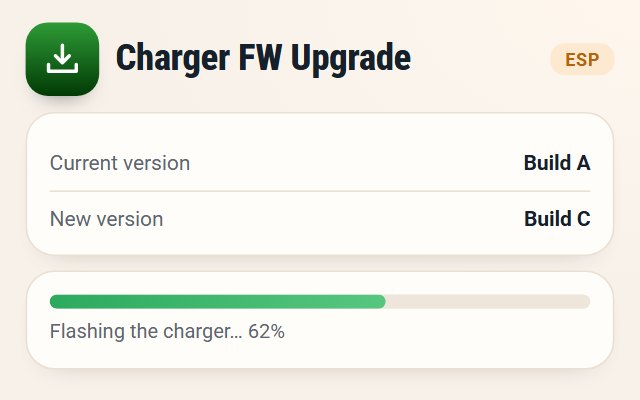
- Charger FW UpgradeUpgrade the charger firmware (app → ESP → CAN IAP).
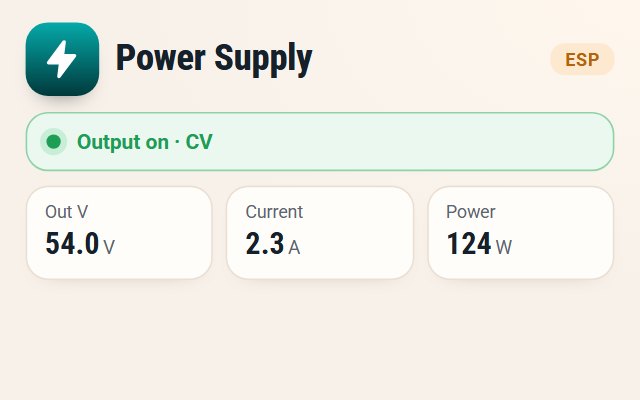
- Power SupplyTurn the charger (with multi-purpose FW) into a bench DC power supply at a set voltage/current — no battery needed.
- Error CodeLook up charger status and fault codes from the LED blink pattern.
- Battery Test GeneratorBuild a capacity test plan for a battery and work out its state of health (SOH).
- Vehicle ConnectConnect to an electric scooter over Bluetooth: lock, unlock, find it, check the battery.