EV ToolsFree in the app
Vehicle Connect
Use your phone as a Bluetooth key for electric scooters with a smart lock.
Free in the FixBox One Click app, nothing to buy.
Photos & video
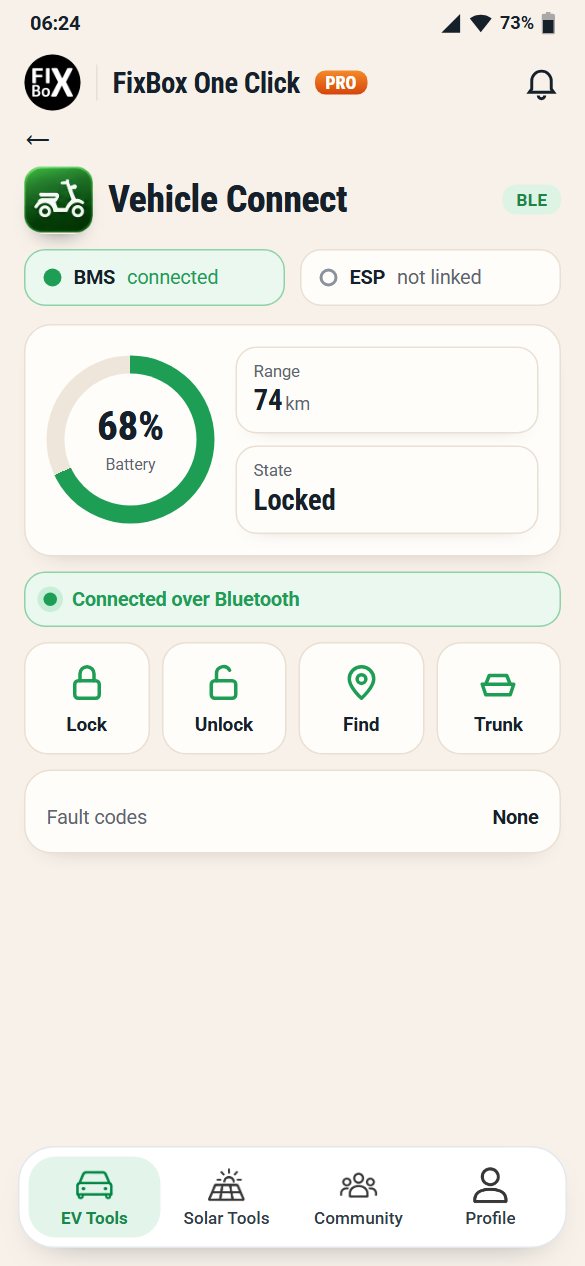
Illustration of the FixBox One Click app screen with sample data. Tap the image to enlarge.
What it does
- Lock, unlock, find the scooter and open the trunk over Bluetooth.
- See the battery level and scooter status when nearby.
- Look up scooter fault codes with explanations.
Devices & what you need
- Works with
- VinFast electric scooters with a smart key (PAAK)
- Connection
- Phone Bluetooth
- What you need
- An Android phone with the FixBox One Click app.
Other tools
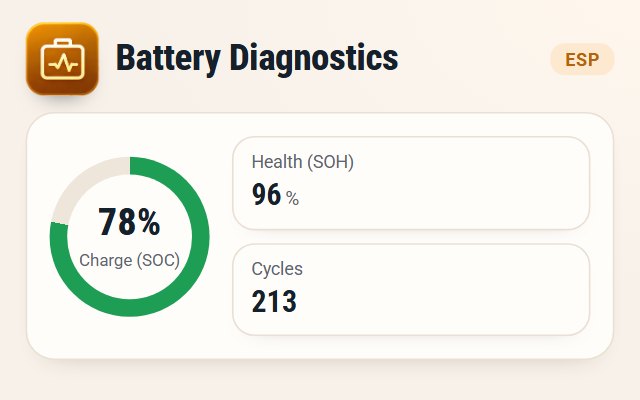
- Battery DiagnosticsRead pack, cell and BMS fault data over CAN.
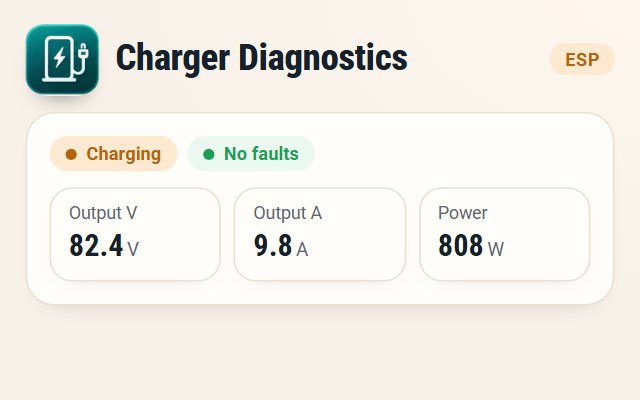
- Charger DiagnosticsRead charger status, voltage, current and faults over CAN.
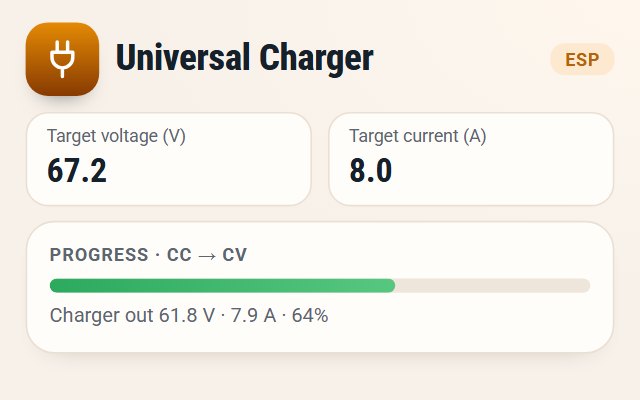
- Universal ChargerLets a basic charger charge any battery pack.
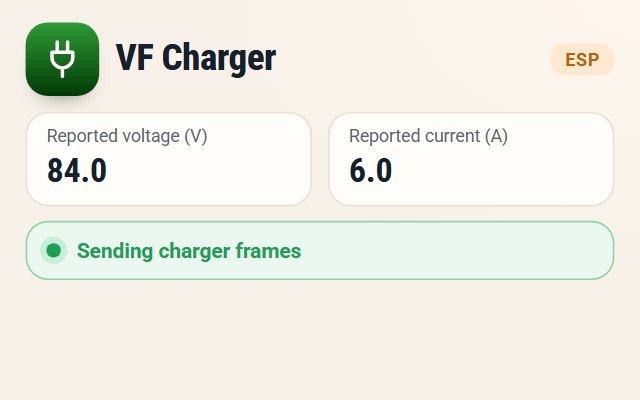
- VF ChargerControl VinFast charging.
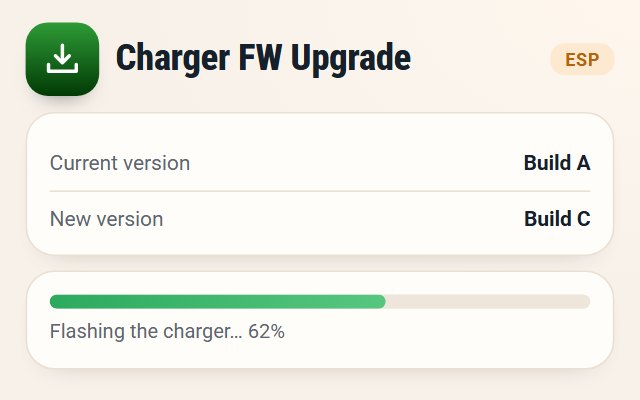
- Charger FW UpgradeUpgrade the charger firmware (app → ESP → CAN IAP).
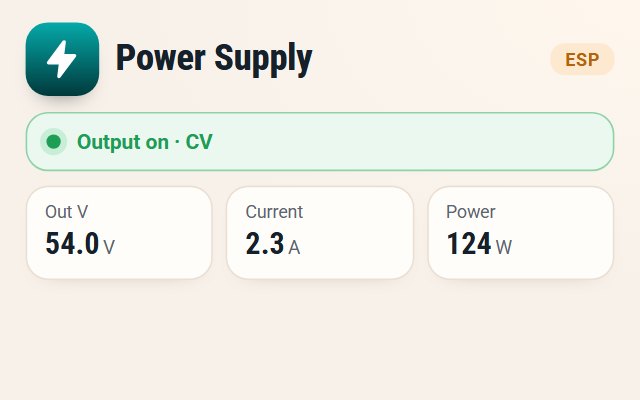
- Power SupplyTurn the charger (with multi-purpose FW) into a bench DC power supply at a set voltage/current — no battery needed.
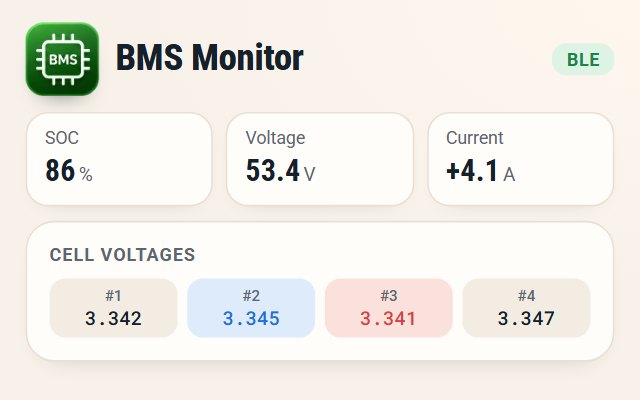
- BMS MonitorConnect straight to a Bluetooth BMS and watch cells, current, temperature and alarms.
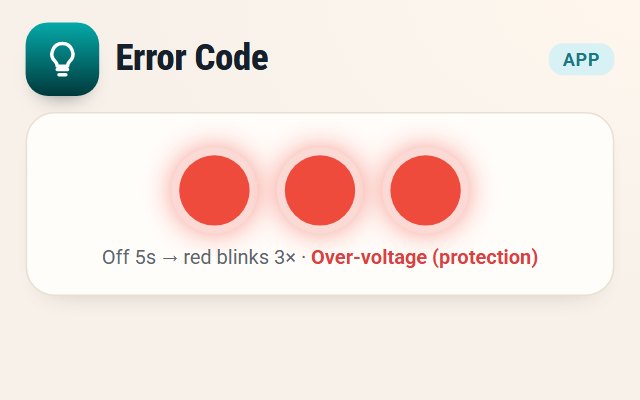
- Error CodeLook up charger status and fault codes from the LED blink pattern.
- Battery Test GeneratorBuild a capacity test plan for a battery and work out its state of health (SOH).