Hot
FixBox One Click
EV and solar diagnostics on an ESP32-S3 board with a CAN transceiver.
- 14 diagnostic tools
- EV · Solar
- Flash in the browser, use in the app
From US$4.99 / tool, one-time
Software you flash to an ESP32 board from the browser, an ad-free app, and the hardware to build it.
Hot
EV and solar diagnostics on an ESP32-S3 board with a CAN transceiver.
From US$4.99 / tool, one-time
App
No ads, your own name + logo in the app, device renaming, firmware updates over Bluetooth — on every phone signed in to your account.
US$4.99 one-time, lifetime
FixBox hardware is on its way to the shelf. For now, gather the parts below from any electronics shop or marketplace near you.
An ESP32-S3 board (8 MB flash or more) flashed with FixBox; an Android phone with the FixBox One Click app, signed in to the account that bought the tool.
Pins for an ESP32-S3 board (e.g. ESP32-S3-DevKitC N16R8). A ready-made FixBox device comes wired in its case.
Used by: Every paid tool
A 3.3 V CAN transceiver module (SN65HVD230, or a TJA1051 with a VIO pin).
All blocks share GND. Twist the CAN-H / CAN-L pair; add a 120 Ω terminator only if the bus has none. TJA1051 module: tie VIO to 3V3 and the S pin to GND. Do not use 5 V CAN modules (TJA1050, MCP2551) — they damage the ESP pins.
Used by: Battery Diagnostics · Charger Diagnostics · Battery Emulator · Battery Monitor · Universal Charger · VF Charger · Charger FW Upgrade · Power Supply
See the wiring diagram →A 3.3 V RS485 module.
Tie the module’s DE and RE pins together to GPIO2. A to A, B to B; swap A/B if nothing is read.
Used by: Battery Emulator · Battery Monitor
See the wiring diagram →3 wires to the charger service port (TX, RX, GND).
ESP TX goes to charger RX, ESP RX to charger TX, shared GND. Plug the charger into AC first, then tap Connect in the app.
Used by: Charger Diagnostics
See the wiring diagram →Hot
EV and solar diagnostics on an ESP32-S3 board with a CAN transceiver.
From US$4.99 / tool, one-time
App
No ads, your own name + logo in the app, device renaming, firmware updates over Bluetooth — on every phone signed in to your account.
US$4.99 one-time, lifetime
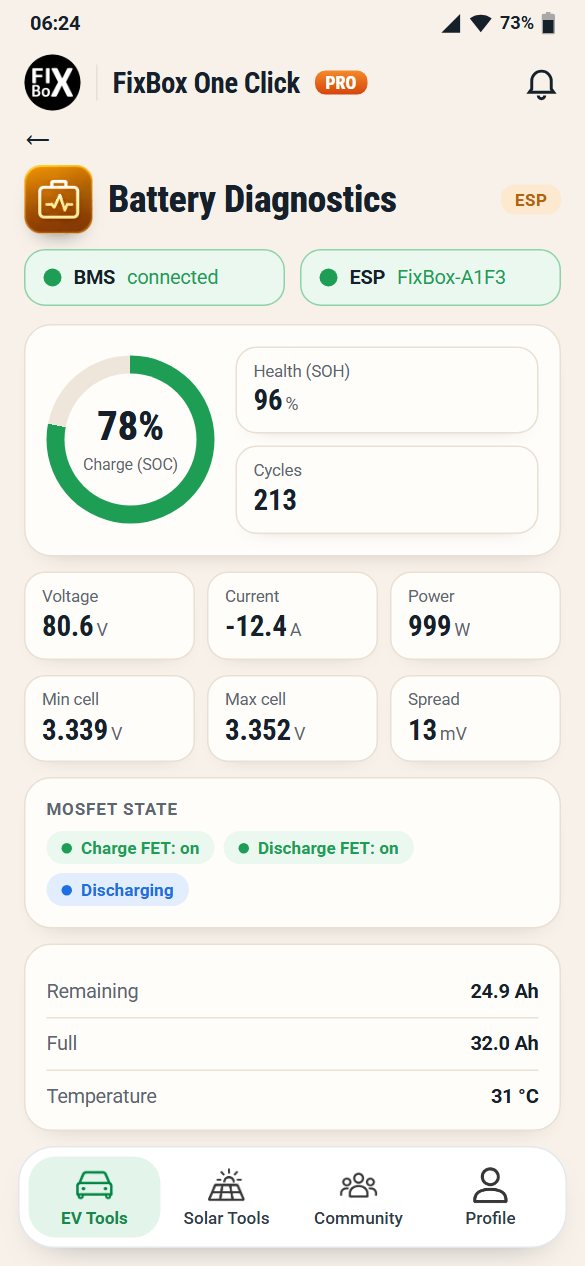
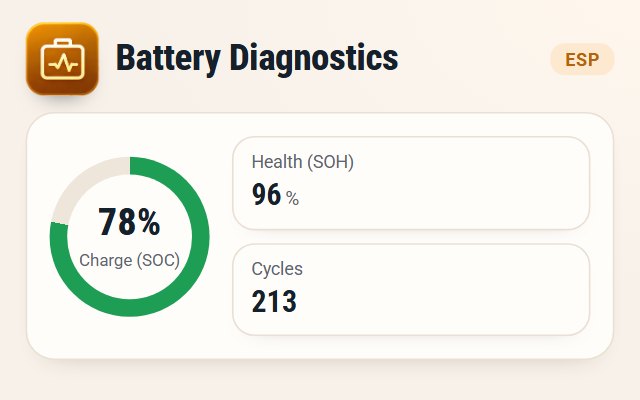
Diagnose scooter batteries, chargers and controllers over CAN.
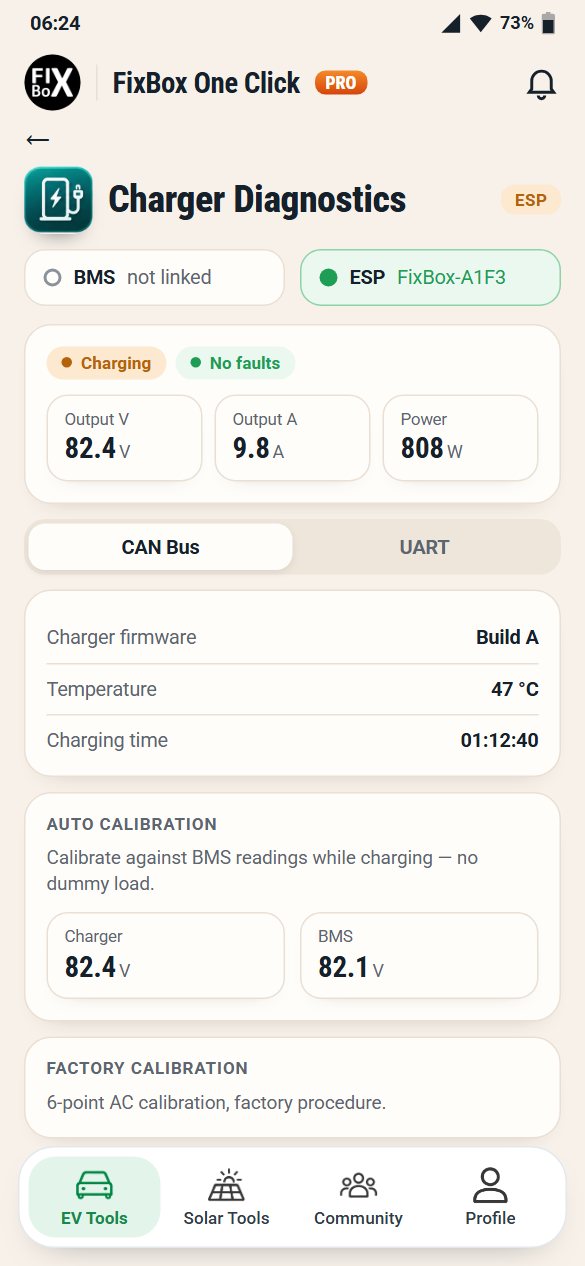
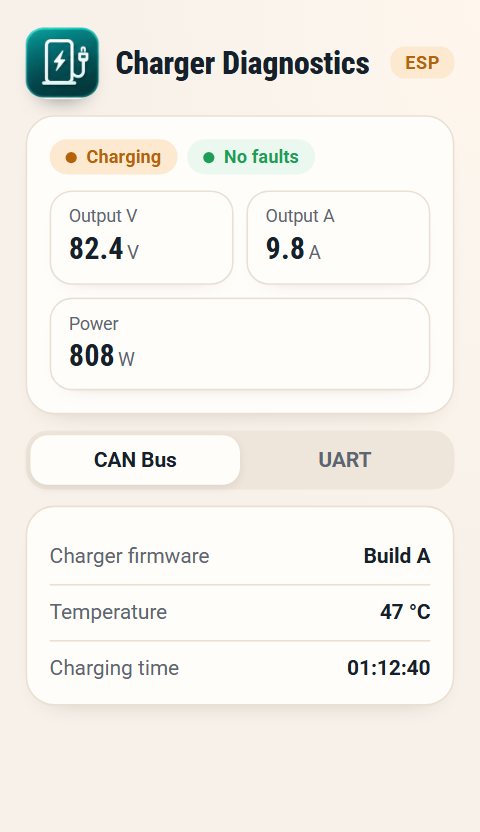
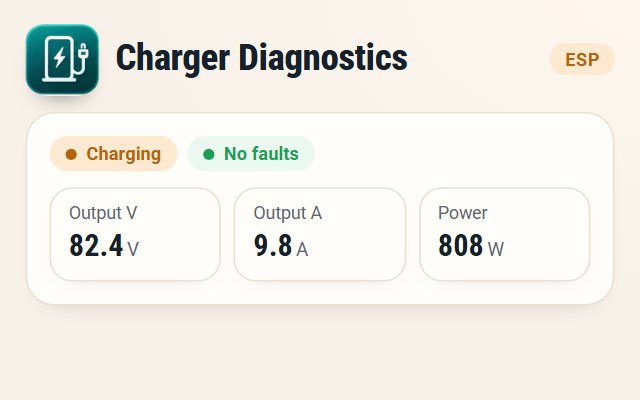
Read charger status, voltage, current and faults over CAN.
5-tool bundle · includes
Coming soon
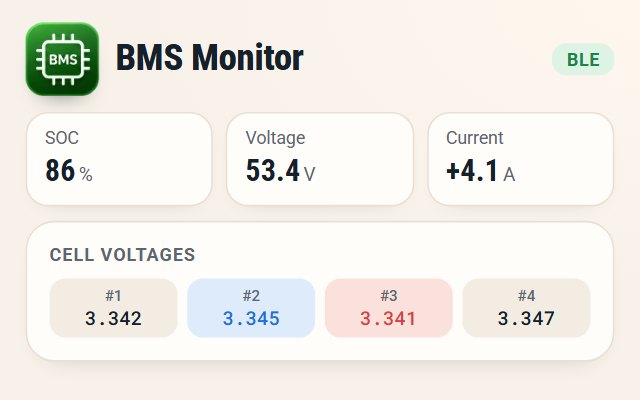
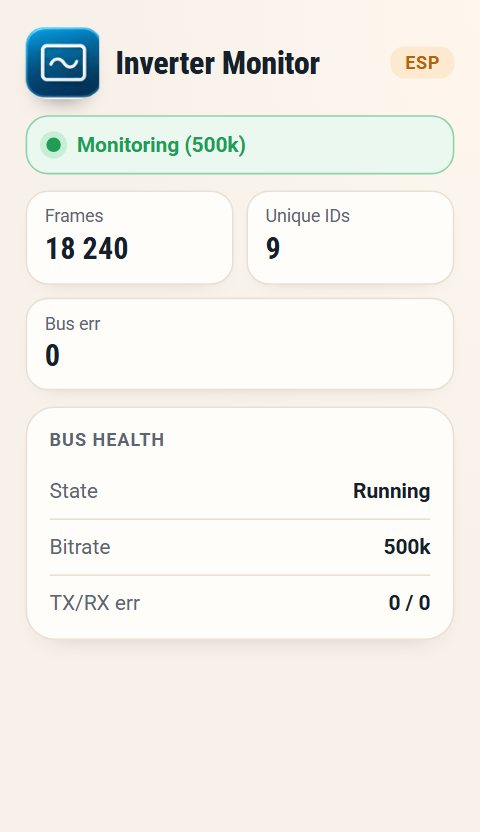
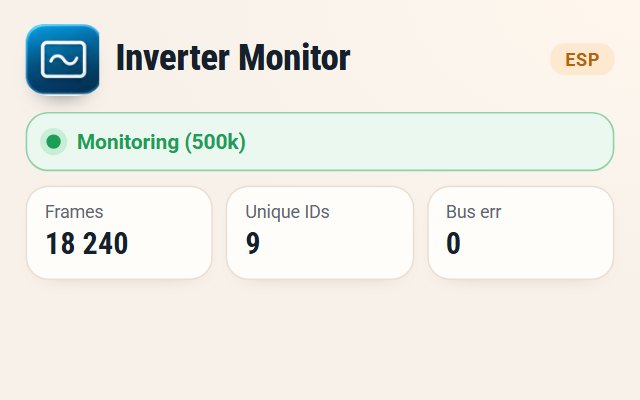
Monitor hybrid inverters and storage batteries in a solar system.
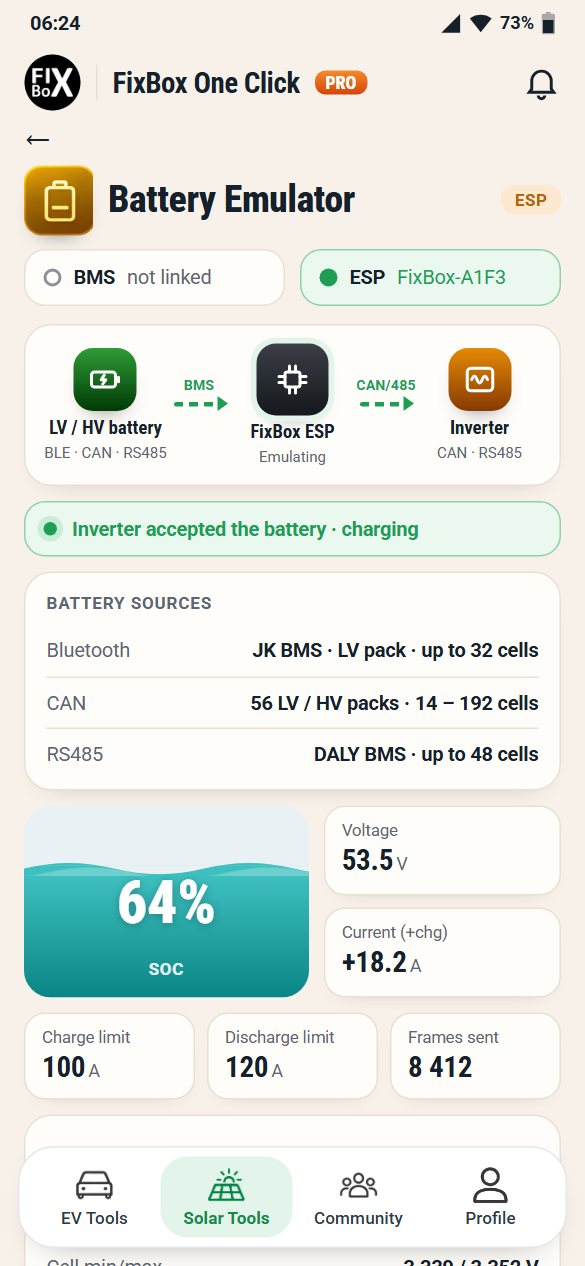
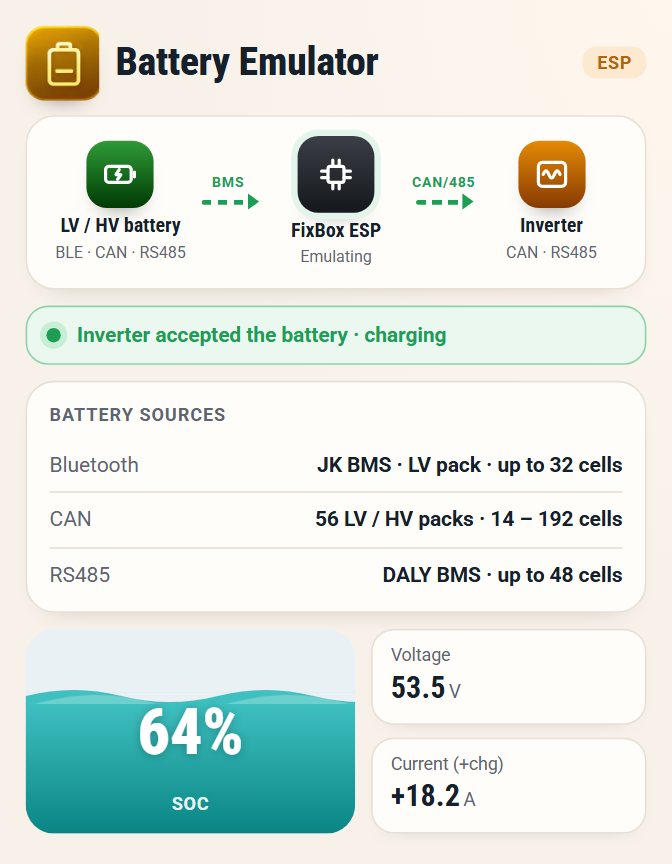
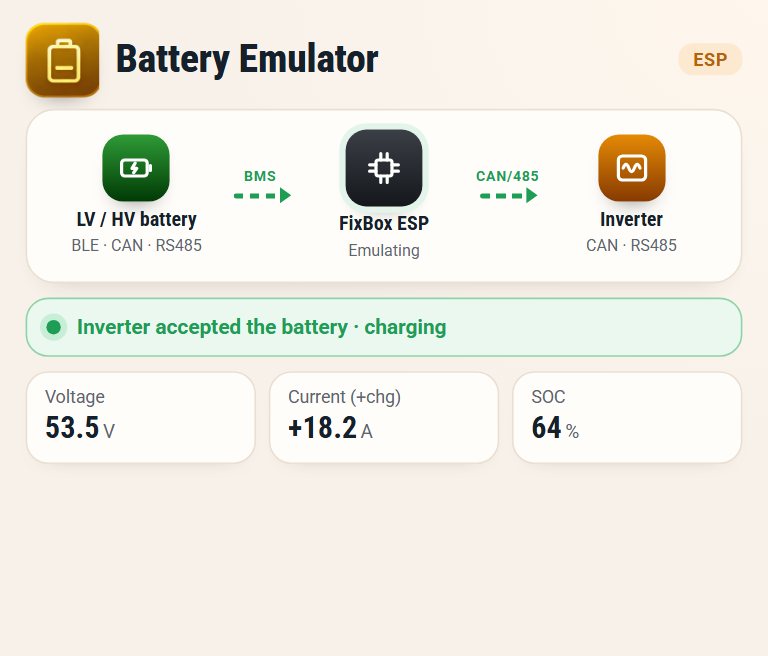
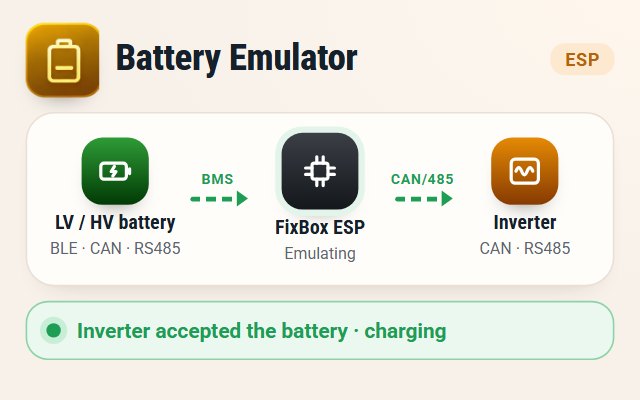
Emulate a battery so the inverter accepts other brands.
Coming soon
FixBox hardware is on its way to the shelf. For now, gather the parts below from any electronics shop or marketplace near you.
An ESP32-S3 board (8 MB flash or more) flashed with FixBox; an Android phone with the FixBox One Click app, signed in to the account that bought the tool.
Pins for an ESP32-S3 board (e.g. ESP32-S3-DevKitC N16R8). A ready-made FixBox device comes wired in its case.
Used by: Every paid tool
A 3.3 V CAN transceiver module (SN65HVD230, or a TJA1051 with a VIO pin).
All blocks share GND. Twist the CAN-H / CAN-L pair; add a 120 Ω terminator only if the bus has none. TJA1051 module: tie VIO to 3V3 and the S pin to GND. Do not use 5 V CAN modules (TJA1050, MCP2551) — they damage the ESP pins.
Used by: Battery Diagnostics · Charger Diagnostics · Battery Emulator · Battery Monitor · Universal Charger · VF Charger · Charger FW Upgrade · Power Supply
See the wiring diagram →A 3.3 V RS485 module.
Tie the module’s DE and RE pins together to GPIO2. A to A, B to B; swap A/B if nothing is read.
Used by: Battery Emulator · Battery Monitor
See the wiring diagram →3 wires to the charger service port (TX, RX, GND).
ESP TX goes to charger RX, ESP RX to charger TX, shared GND. Plug the charger into AC first, then tap Connect in the app.
Used by: Charger Diagnostics
See the wiring diagram →