EV ToolsOn salePart of the Charger bundle
Power Supply
Turn an electric scooter charger into a bench DC power supply: set the output voltage and current limit, with no battery on the output.
Photos & video
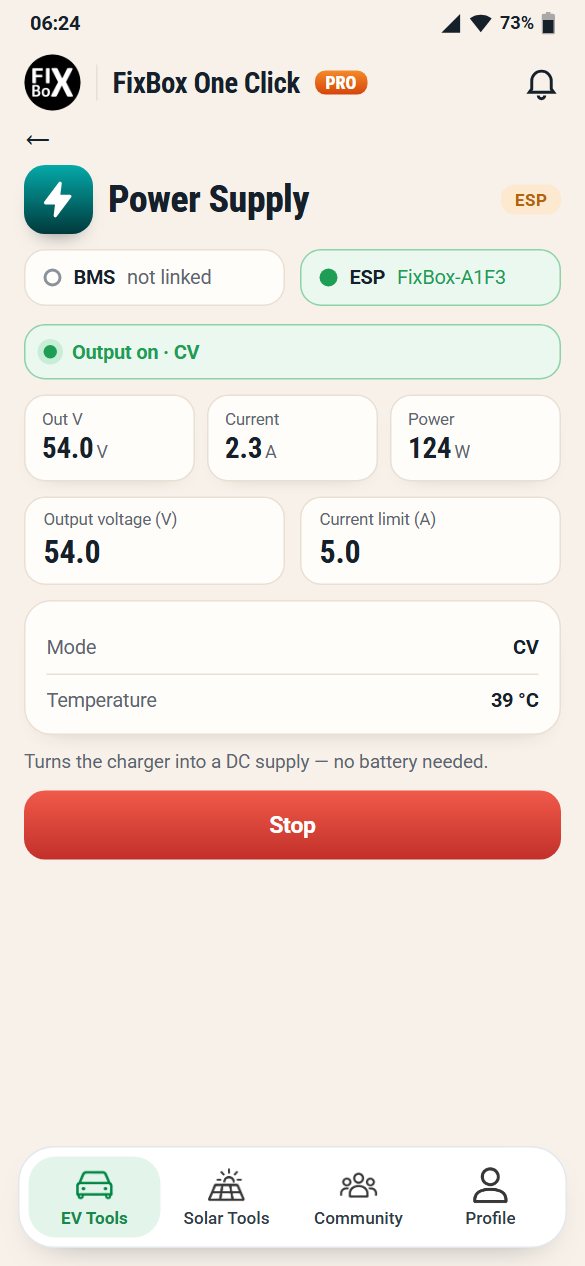
Illustration of the FixBox One Click app screen with sample data. Tap the image to enlarge.
What it does
- Set the output voltage and current limit, switch it on/off from the app.
- Uses the charger’s full hardware range (Universal Charger is capped by the stock firmware).
- Watch the state and the voltage and current being delivered.
- The Start button must be pressed twice to confirm.
Typical uses
Powering a board under test, waking a deeply discharged pack, charging single cells.
Devices & what you need
- Works with
- VinFast electric scooter chargers running the "multi-purpose supply" firmware (installed with the FW Upgrade tool)
- Requirement
- No battery needed
- What you need
- An ESP32-S3 board (8 MB flash or more) flashed with FixBox; an Android phone with the FixBox One Click app, signed in to the account that bought the tool. A 3.3 V CAN transceiver module (SN65HVD230, or a TJA1051 with a VIO pin).
Wiring diagram
All blocks share GND. Twist the CAN-H / CAN-L pair; add a 120 Ω terminator only if the bus has none. TJA1051 module: tie VIO to 3V3 and the S pin to GND. Do not use 5 V CAN modules (TJA1050, MCP2551) — they damage the ESP pins.
Pins for an ESP32-S3 board (e.g. ESP32-S3-DevKitC N16R8). A ready-made FixBox device comes wired in its case.
The Charger bundle has 5 tools
Which charger tool do I need?
| Universal Charger | Power Supply | VF Charger | |
|---|---|---|---|
| The ESP acts as | Battery (BMS) | Battery (BMS) | Charger |
| Controls | VinFast charger | VinFast charger | VinFast scooter / battery |
| Battery on the output | Yes (above 9 V) | No | Yes, the pack being charged |
| Charger firmware | Stock | "Multi-purpose supply" | No VinFast charger used |
| Use it to | Charge another pack or one with new cells | Get a bench DC supply | Charge the scooter from a plain DC supply |
Safety note. The charger delivers power without checking for a battery. Use it only on the bench with a suitable load and meter.
Other tools
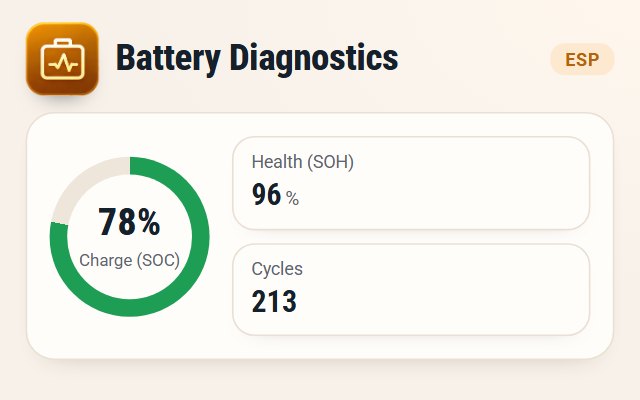
- Battery DiagnosticsRead pack, cell and BMS fault data over CAN.
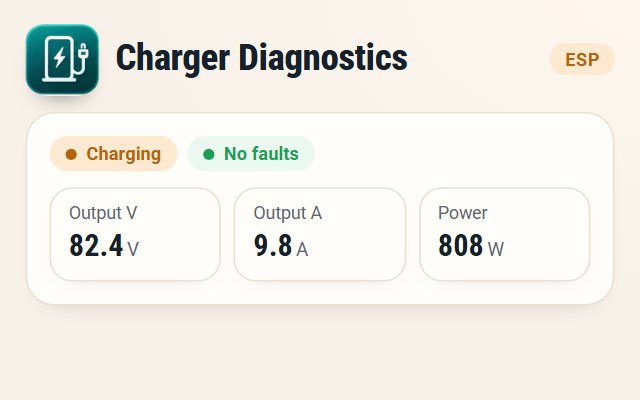
- Charger DiagnosticsRead charger status, voltage, current and faults over CAN.
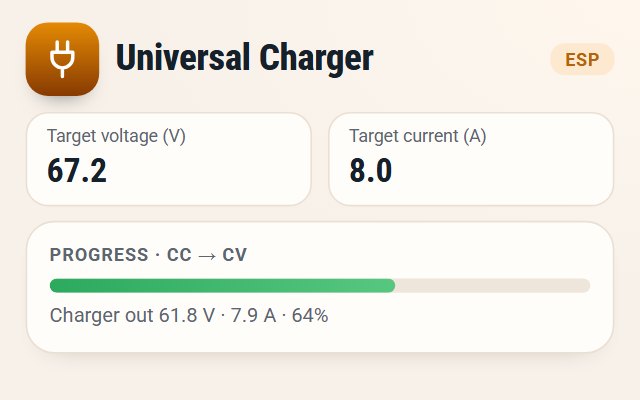
- Universal ChargerLets a basic charger charge any battery pack.
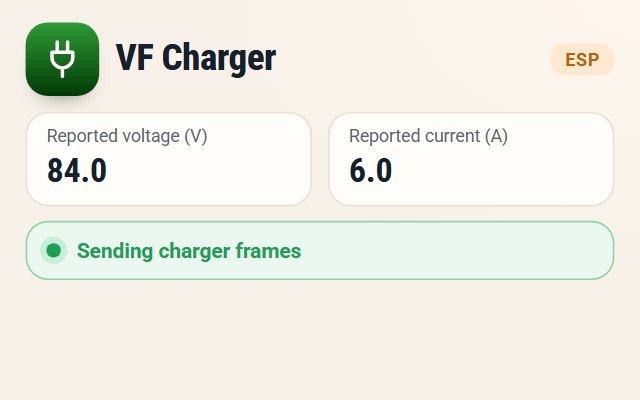
- VF ChargerControl VinFast charging.
- Charger FW UpgradeUpgrade the charger firmware (app → ESP → CAN IAP).
- BMS MonitorConnect straight to a Bluetooth BMS and watch cells, current, temperature and alarms.
- Error CodeLook up charger status and fault codes from the LED blink pattern.
- Battery Test GeneratorBuild a capacity test plan for a battery and work out its state of health (SOH).
- Vehicle ConnectConnect to an electric scooter over Bluetooth: lock, unlock, find it, check the battery.