EV ToolsOn saleCharger bundle lead · 5 tools
Diagnostics
Diagnose and calibrate electric scooter chargers. This is the lead tool of the Charger bundle: buying Diagnostics gives you all 5 charger tools.
Photos & video
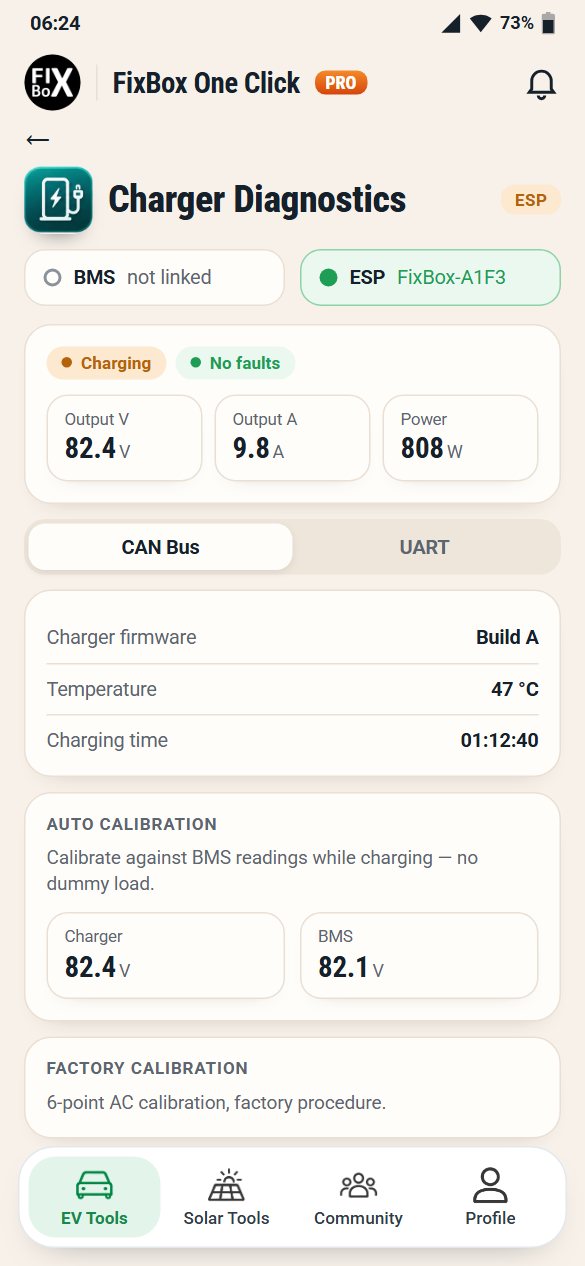
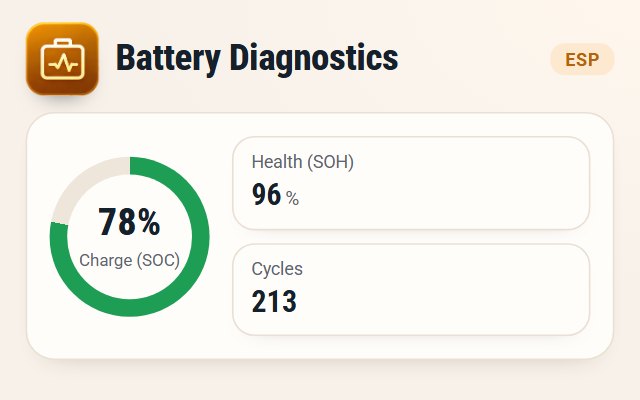
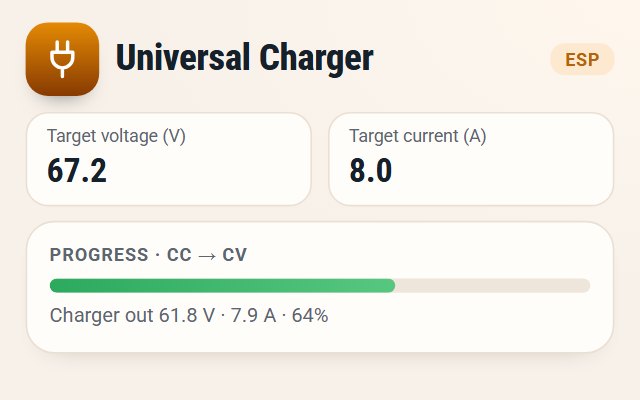
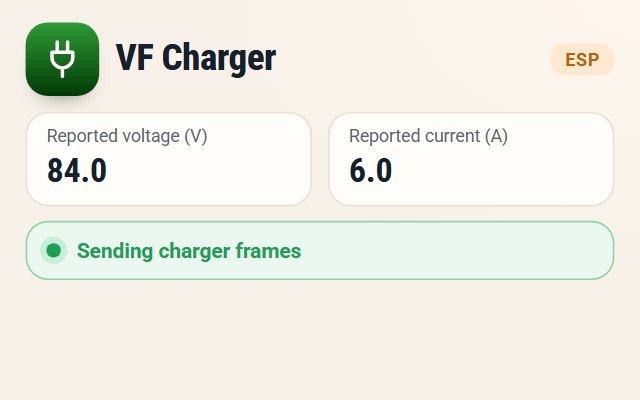
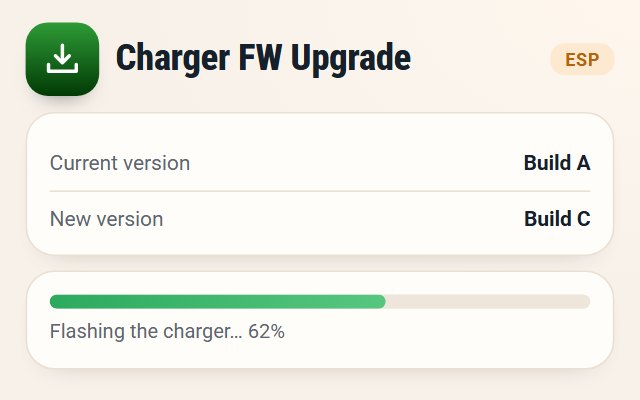
Illustration of the FixBox One Click app screen with sample data. Tap the image to enlarge.
What it does
- Read over CAN (listen only): charger state (standby, authenticated, charging, fault), output voltage, output current, power, firmware version and active faults.
- Read the internal configuration: the charger’s detailed configuration and status.
- Auto Calibration: re-calibrates the charger’s voltage/current automatically while charging. No dummy load or reference meter needed.
- Factory Calibration: the factory procedure using a variac and a reference meter. Every step is confirmed and reviewed before saving.
Typical uses
The charger shows a fault, will not fill the pack, or cuts out early because it misreads voltage.
Devices & what you need
- Works with
- VinFast electric scooter chargers
- Connection
- CAN; plus a lead to the charger’s service port for configuration or calibration
- What you need
- An ESP32-S3 board (8 MB flash or more) flashed with FixBox; an Android phone with the FixBox One Click app, signed in to the account that bought the tool. A 3.3 V CAN transceiver module (SN65HVD230, or a TJA1051 with a VIO pin). 3 wires to the charger service port (TX, RX, GND).
Wiring diagram
All blocks share GND. Twist the CAN-H / CAN-L pair; add a 120 Ω terminator only if the bus has none. TJA1051 module: tie VIO to 3V3 and the S pin to GND. Do not use 5 V CAN modules (TJA1050, MCP2551) — they damage the ESP pins.
ESP TX goes to charger RX, ESP RX to charger TX, shared GND. Plug the charger into AC first, then tap Connect in the app.
Pins for an ESP32-S3 board (e.g. ESP32-S3-DevKitC N16R8). A ready-made FixBox device comes wired in its case.
The Charger bundle has 5 tools
Which charger tool do I need?
| Universal Charger | Power Supply | VF Charger | |
|---|---|---|---|
| The ESP acts as | Battery (BMS) | Battery (BMS) | Charger |
| Controls | VinFast charger | VinFast charger | VinFast scooter / battery |
| Battery on the output | Yes (above 9 V) | No | Yes, the pack being charged |
| Charger firmware | Stock | "Multi-purpose supply" | No VinFast charger used |
| Use it to | Charge another pack or one with new cells | Get a bench DC supply | Charge the scooter from a plain DC supply |
Safety note. Calibration writes to the charger’s memory. Wrong values make the charger misread voltage/current. Only do it once you understand the procedure.
Other tools
- Battery DiagnosticsRead pack, cell and BMS fault data over CAN.
- Universal ChargerLets a basic charger charge any battery pack.
- VF ChargerControl VinFast charging.
- Charger FW UpgradeUpgrade the charger firmware (app → ESP → CAN IAP).
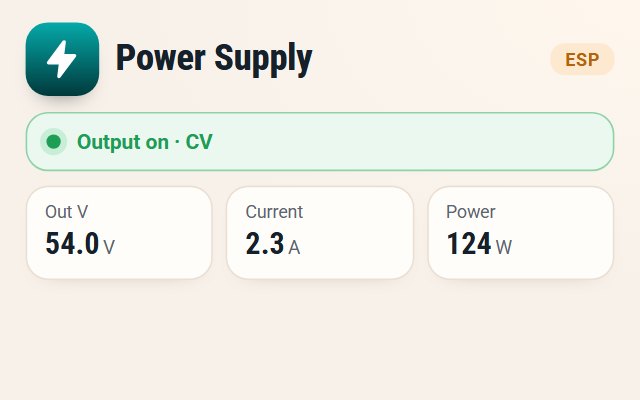
- Power SupplyTurn the charger (with multi-purpose FW) into a bench DC power supply at a set voltage/current — no battery needed.
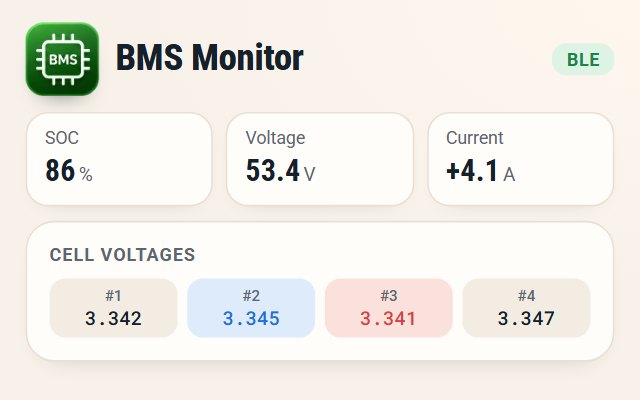
- BMS MonitorConnect straight to a Bluetooth BMS and watch cells, current, temperature and alarms.
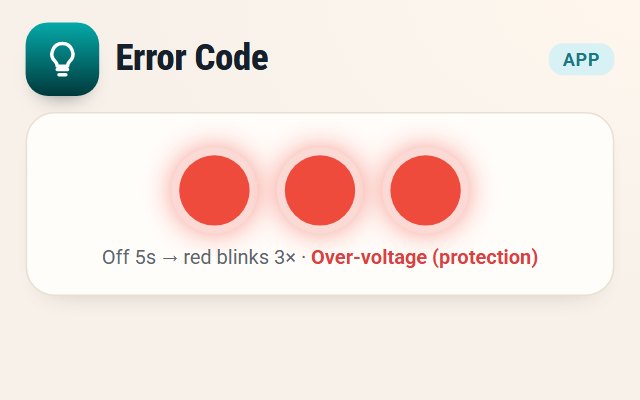
- Error CodeLook up charger status and fault codes from the LED blink pattern.
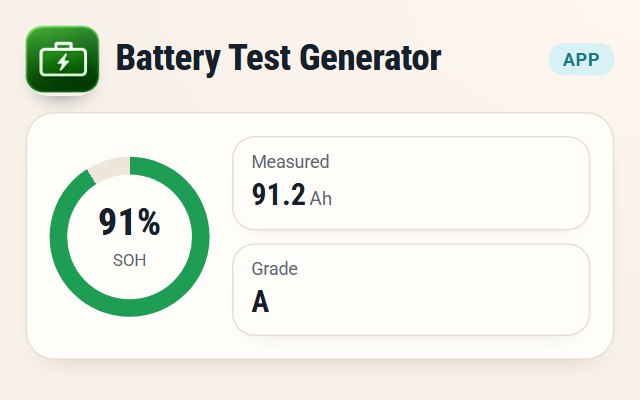
- Battery Test GeneratorBuild a capacity test plan for a battery and work out its state of health (SOH).
- Vehicle ConnectConnect to an electric scooter over Bluetooth: lock, unlock, find it, check the battery.