Solar ToolsOn sale
Battery Monitor
Monitor the storage battery of a solar system in read-only mode: the ESP listens to the battery and sends nothing to the battery or inverter.
Photos & video
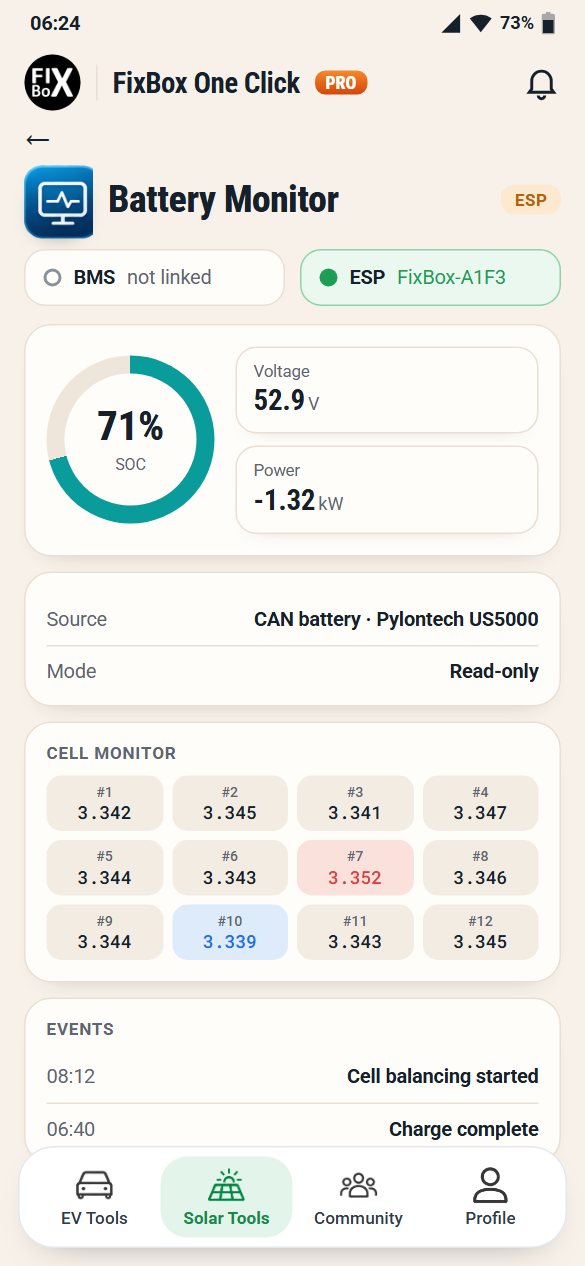
Illustration of the FixBox One Click app screen with sample data. Tap the image to enlarge.
What it does
- Pick one of 56 CAN battery types, or a DALY battery over RS485.
- Overview of charge level, voltage, current, power; every cell with highest and lowest.
- Protection event log and advanced values.
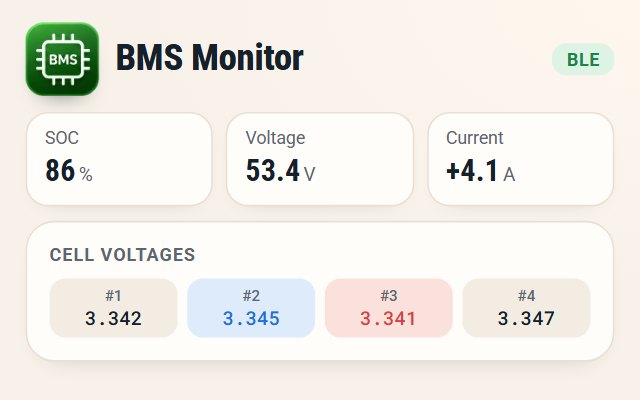
- Batteries with a Bluetooth BMS: the phone reads them directly with the free BMS Monitor tool, no ESP needed.
Devices & what you need
- Connection
- CAN or RS485, read-only
- What you need
- An ESP32-S3 board (8 MB flash or more) flashed with FixBox; an Android phone with the FixBox One Click app, signed in to the account that bought the tool. A 3.3 V CAN transceiver module (SN65HVD230, or a TJA1051 with a VIO pin). A 3.3 V RS485 module.
Wiring diagram
All blocks share GND. Twist the CAN-H / CAN-L pair; add a 120 Ω terminator only if the bus has none. TJA1051 module: tie VIO to 3V3 and the S pin to GND. Do not use 5 V CAN modules (TJA1050, MCP2551) — they damage the ESP pins.
Tie the module’s DE and RE pins together to GPIO2. A to A, B to B; swap A/B if nothing is read.
Pins for an ESP32-S3 board (e.g. ESP32-S3-DevKitC N16R8). A ready-made FixBox device comes wired in its case.